
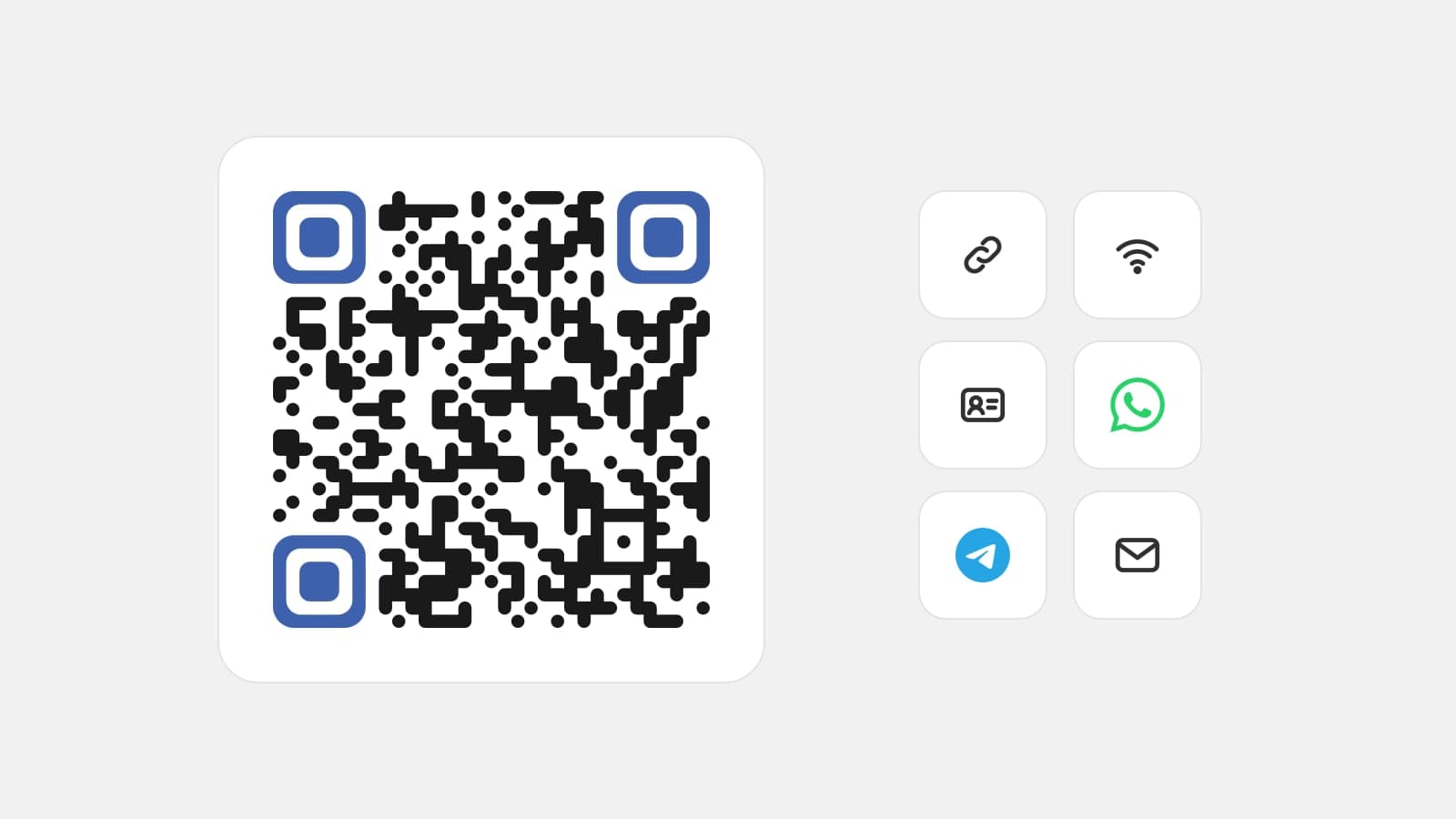
What QR codes you can make
- Link: opens a website, a product page, reviews or a menu. Add UTM tags to see scans in Google Analytics.
- Wi-Fi: the phone joins the network without typing the password. Handy for offices, cafes and guests.
- Contact: saves a contact with name, phone, email and website to the address book.
- WhatsApp and Telegram: open a chat, in WhatsApp with a prefilled message.
- Email, call, SMS and text: an email with a subject, a call, a message or plain text on screen.
The code never expires
These are static QR codes: the content is stored in the pattern itself, with no redirect server. The code never stops working, needs no subscription and collects nothing about the people who scan it.
The content cannot change after printing, so for flyers and packaging point it to a page you control. To count scans, turn on UTM tags: visits show up in Google Analytics as a separate campaign.
How to print a code that reads
- A dark code on a light background. Many scanners do not read a light code on dark.
- Keep a quiet zone around the code: the standard asks for 4 modules.
- Print it at least 2 cm wide. For distance, divide by 10: from 2 metres it needs 20 cm.
- Keep the logo under a quarter of the code's width. The generator raises error correction to the maximum so it still reads.
- For print shops, download the SVG: it is vector and stays sharp at any size.
- Before a print run, scan a test print with two or three phones.
FAQ
Is the generator really free?
Yes. No sign-up, no watermarks, no limit on the number of codes. You can use the codes in ads and on packaging.
Will the QR code stop working?
No. It is a static code: the data is in the pattern itself, not on our server, so it works as long as it can be scanned.
Can I see how many times the code was scanned?
Yes, for a link: turn on UTM tags and visits show up in Google Analytics as a separate campaign.
How do I make a Wi-Fi QR code?
Pick Wi-Fi, enter the network name and password and the security type (usually WPA/WPA2). The phone camera offers to join without typing the password. The password is not sent anywhere: the code is made in your browser.
What is error correction?
A safety margin: how much of the code can be covered or damaged and still read. L recovers 7%, M 15%, Q 25%, H 30%. Higher levels make the code denser.
PNG or SVG for print?
For print shops and large formats, SVG: it is vector. For websites, social media and documents a 1024 or 2048 px PNG is enough.